Generate your own QR Codes with a minimal API

This one's short but genuinely important. QR codes are everywhere now — parking meters, restaurant menus, that mysterious flyer stapled to a telephone pole promising to change your life — and yet almost nobody actually knows how the things are generated. They just sort of... appear, like static electricity or Comic Sans. Time to fix that.
A QR code is built from modules: little squares storing data in rows and columns, looking for all the world like a crossword puzzle designed by a robot with a grudge. Most QR codes you'll run into are version 2, with 25 rows and 25 columns, and the data itself gets encoded as numeric, alphanumeric, binary, or kanji, all packed into bit-defined sections like a very tiny, very committed filing cabinet. If you want the full rabbit hole, Wikipedia has you covered.
For actual generation, we're using QRCoder — a pure C# implementation, zero external dependencies, no mystery third-party API that might quietly shut down in six months and take your parking validation system down with it. Full sample code lives at jtenorioh/qrdemo. Fair warning: that repo has grown up quite a bit since this post was written — it's since sprouted a full frontend and a Docker Compose setup, like a college kid who came home for the holidays with opinions — but the code below is the original, simple version this post is actually about, and it still works exactly as advertised.
As promised, this is short, because we're using minimal APIs. I love this style — no controller ceremony, no attribute-routing gymnastics, no ritual sacrifice to the MVC gods. Just a route and a lambda, like the framework equivalent of skipping the small talk:
using QRCoder;

var builder = WebApplication.CreateBuilder(args);

builder.Services.AddControllers();

var app = builder.Build();

app.UseHttpsRedirection();

//minimal api
app.MapGet("/", (HttpRequest request) =>
{
    //get the query string
    var qrCodeQuery = request.Query["content"];
    var qrContent = string.Empty;

    if (qrCodeQuery.Count > 0)
        qrContent = qrCodeQuery.FirstOrDefault("No Content for QR Code");

    //generate code
    byte[] qrCodeImage;

    using (QRCodeGenerator qrGenerator = new())
    using (QRCodeData qrCodeData = qrGenerator.CreateQrCode(string.IsNullOrEmpty(qrContent) ? "https://darthseldon.net" : qrContent, QRCodeGenerator.ECCLevel.Q))
    using (PngByteQRCode qrCode = new(qrCodeData))
    {
        qrCodeImage = qrCode.GetGraphic(20);
    }

    //return as image
    var mimeType = "image/png";
    return Results.File(qrCodeImage, contentType: mimeType);
});

app.Run();
Simple, right? Create the app, map exactly one route, run it, done, go home. Inside that route, we grab the content query string, hand it to QRCodeGenerator, and return the result as an actual PNG — no “save to disk then serve the file” song and dance, no temp folder quietly filling up with QR codes nobody asked for.
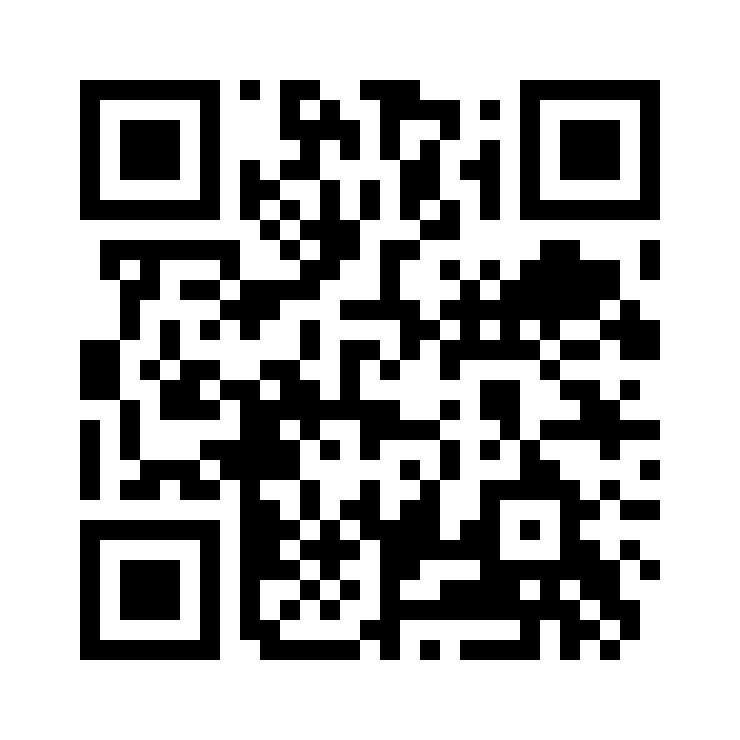
Here's the real thing, generated by that exact code, encoding a link straight to this very blog — deeply meta, very on brand:
QR codes aren't just for URLs, though — that's the boring, default-setting use case. How about sharing a Wi-Fi network without forcing a house guest to type a 20-character password full of symbols on a phone keyboard while you both silently judge each other's Wi-Fi naming conventions? The raw format looks like this:
WIFI:S:MySSID;T:WPA;P:MyPassW0rd;;You could build that string by hand, if you enjoy suffering, but since we're already using QRCoder, its PayloadGenerator class will happily do it for you:
PayloadGenerator.WiFi wifiPayload = new PayloadGenerator.WiFi("MySSID", "MyPassW0rd", PayloadGenerator.WiFi.Authentication.WPA);

QRCodeData qrCodeData = qrGenerator.CreateQrCode(wifiPayload.ToString(), QRCodeGenerator.ECCLevel.Q);
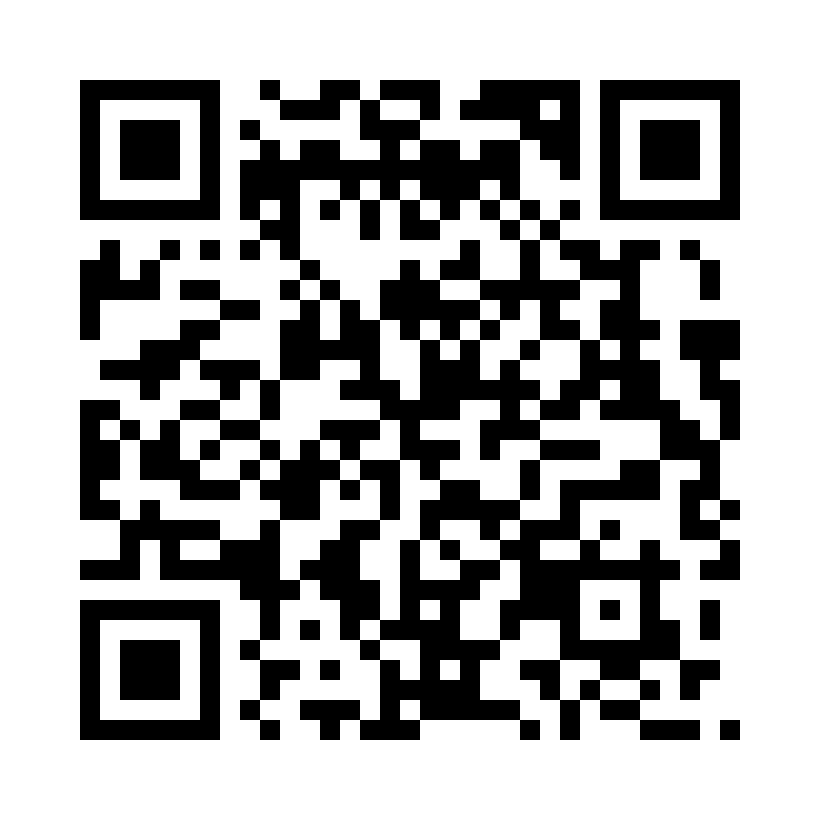
And here's the actual generated Wi-Fi QR code — point a phone camera at it and it'll offer to join “MySSID” (which, to be extremely clear, is not a real network, please do not go looking for it):
PayloadGenerator doesn't stop at Wi-Fi, either. It'll also happily build:
- Contact data
- WhatsApp messages
- Calendar events
- SMS
- Plenty more, apparently this library has ambitions
One more small thing worth mentioning: this project also ships an .http file, working alongside the Endpoint Explorer:
@Demo_HostAddress = https://localhost:7156

GET {{Demo_HostAddress}}?content=https://darthseldon.net

###
You can stack up requests like this and fire them straight from the editor — genuinely handy for quick, iterative testing with hot reload while something's actively under construction. It's a bit limited compared to a full tool, though, so once an API actually stabilizes and stops changing every four minutes, I switch over to Postman for anything more serious.
Happy coding!!!
Al revisar equipación de la selección española, conviene empezar por el equipo, la temporada y el tipo de camiseta. Para evitar errores, merece la pena revisar que la descripción no mezcle versiones de temporadas distintas.
For additional context, see QR code generator.